

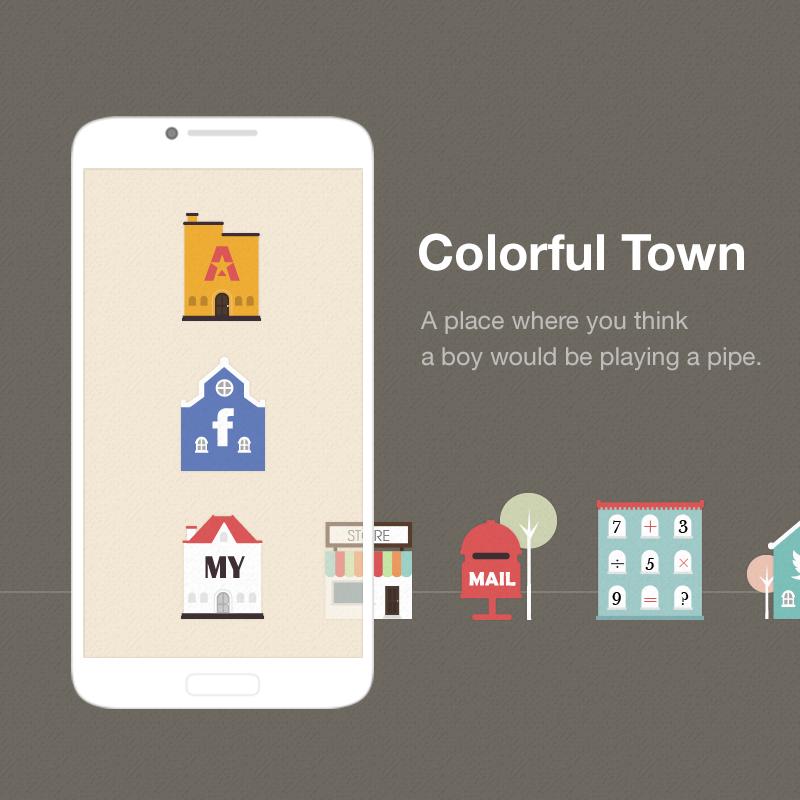


A place where you think a boy would be playing a pipe.
A place where you think a boy would be playing a pipe.
The cute and colorful European village is now inside your phone :D
'The Colorful Town Dodol Launcher Theme' invites you to a romantic village experience.
- Designed by Jin-Ah Jang
* Apply the theme to transform your background screen, icon and launcher widget! :D
* How to apply a theme
- Install LINE Launcher (if you haven't yet).
- Press the home button and set the LINE Launcher as the default home launcher by selecting [Use as default value for this task] or [Always].
- Open the launcher menu by swiping the home screen upwards, select the [Theme] menu, then select and apply the theme of your choice.
***Customer Support***
- Facebook: https://www.facebook.com/linelauncher
***Precaution***
- Is available only in Android ver. 4.0.3 and above (ICS, Jellybean)
- Some functions cannot be applied in certain devices.





 Download(2.1MB)